AI app builder · free to start
Describe the app.
Ship the software.
A team of AI agents plans it, the builder writes it, you watch it appear in a live preview and launch it, with the credit cost shown before you spend.
No card needed on Free. Pricing is proposed and subject to approval.
An example build, played on a loop. The screen and the agents' notes come from a real one.
- A planning team of agents
- Live preview
- Reusable Skills
- A database per project
- GitHub export
- Hosting and your own domain
- Choose the quality
- Credits you can see
- Team roles
- Client workspaces
Blueprint to launch
From a few words to a live app, in the open
Every step is visible, so you are never guessing what the AI did or what it will cost.
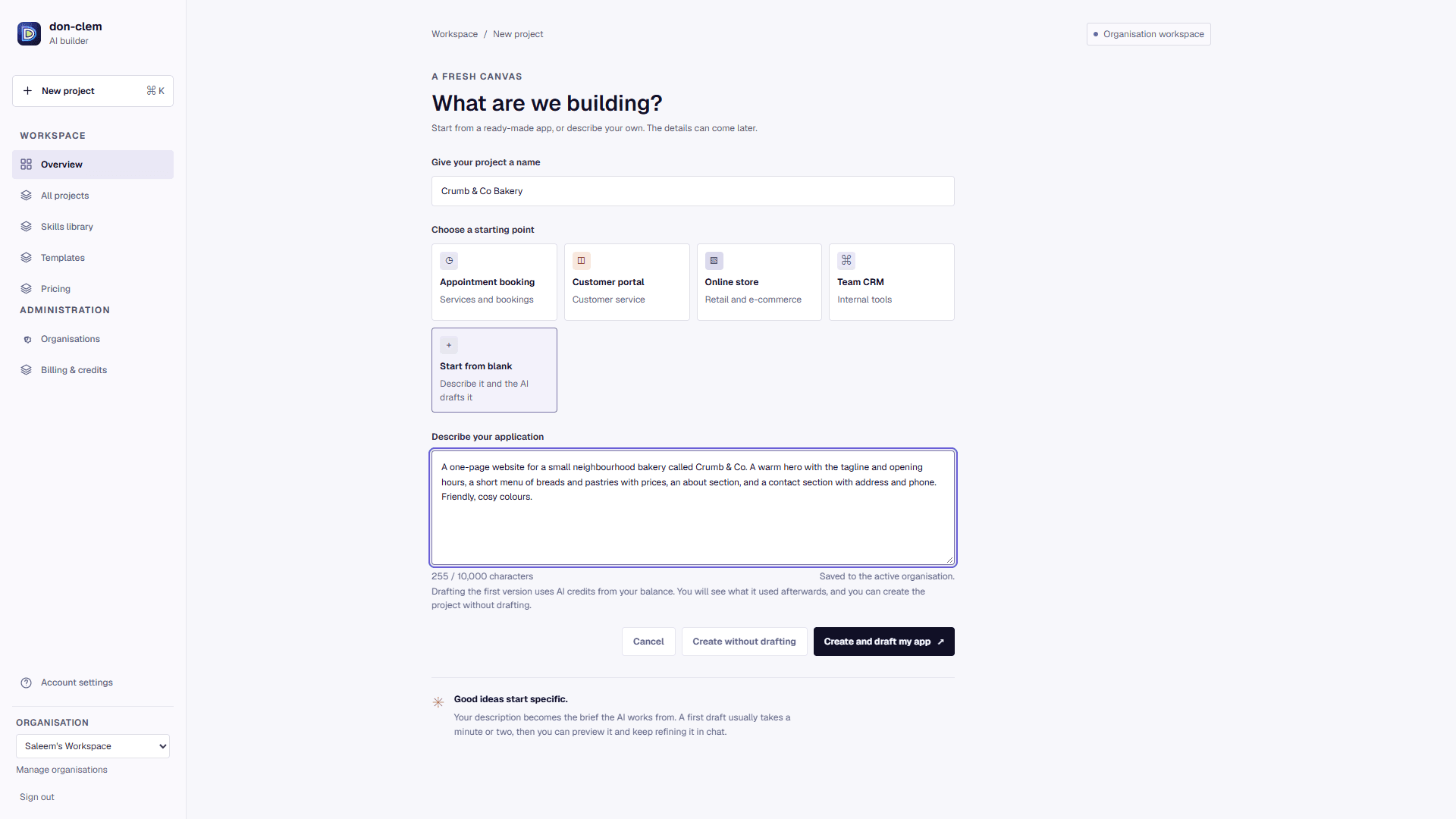
Step 01
Say it in plain words
Describe the app, who uses it and what it must do. Or start from a ready template if you would rather not start from a blank page.
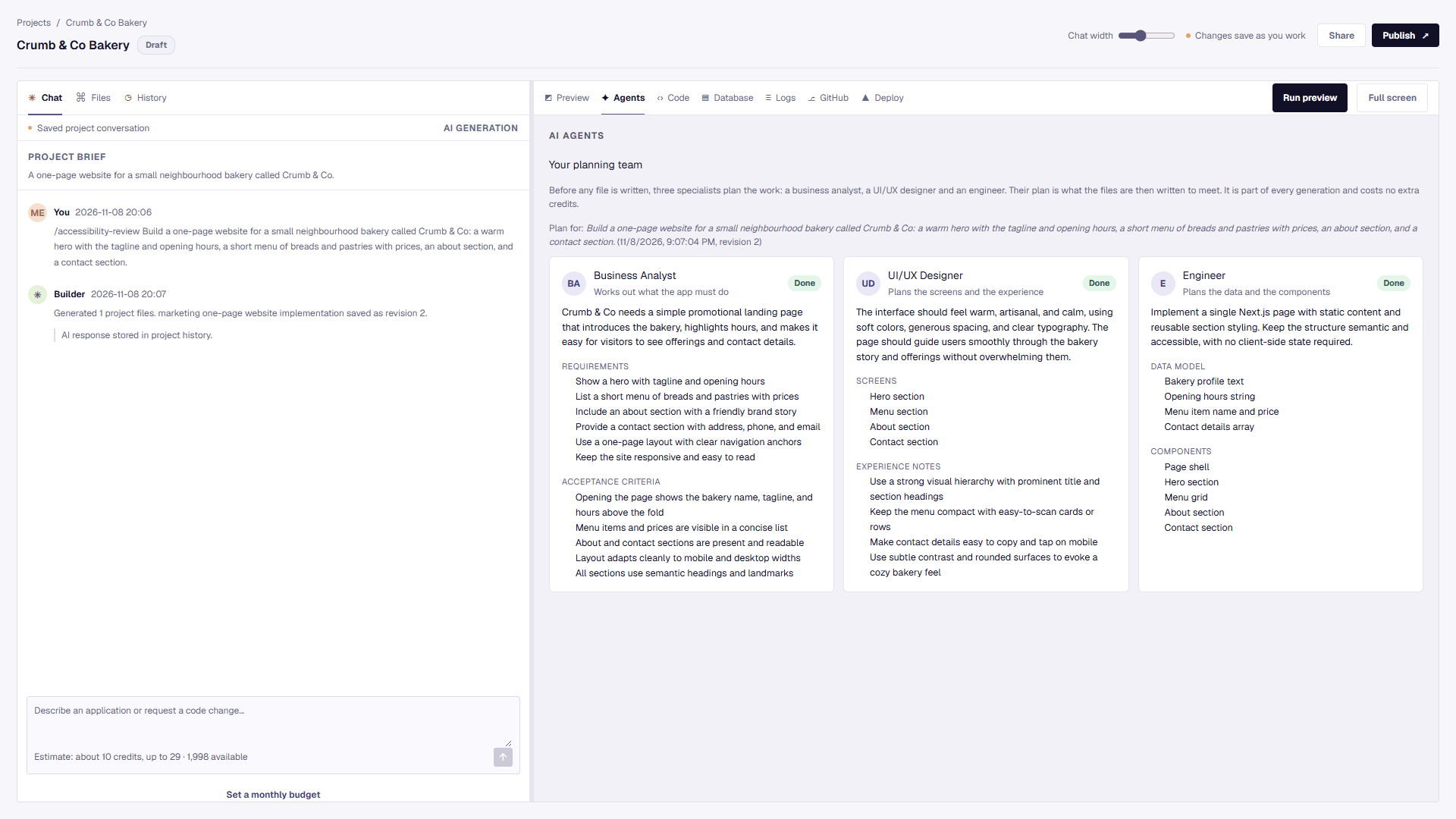
Step 02
A planning team gets there first
A business analyst, a UI/UX designer and an engineer each plan their part before any code is written. You can read the plan, not just the result.
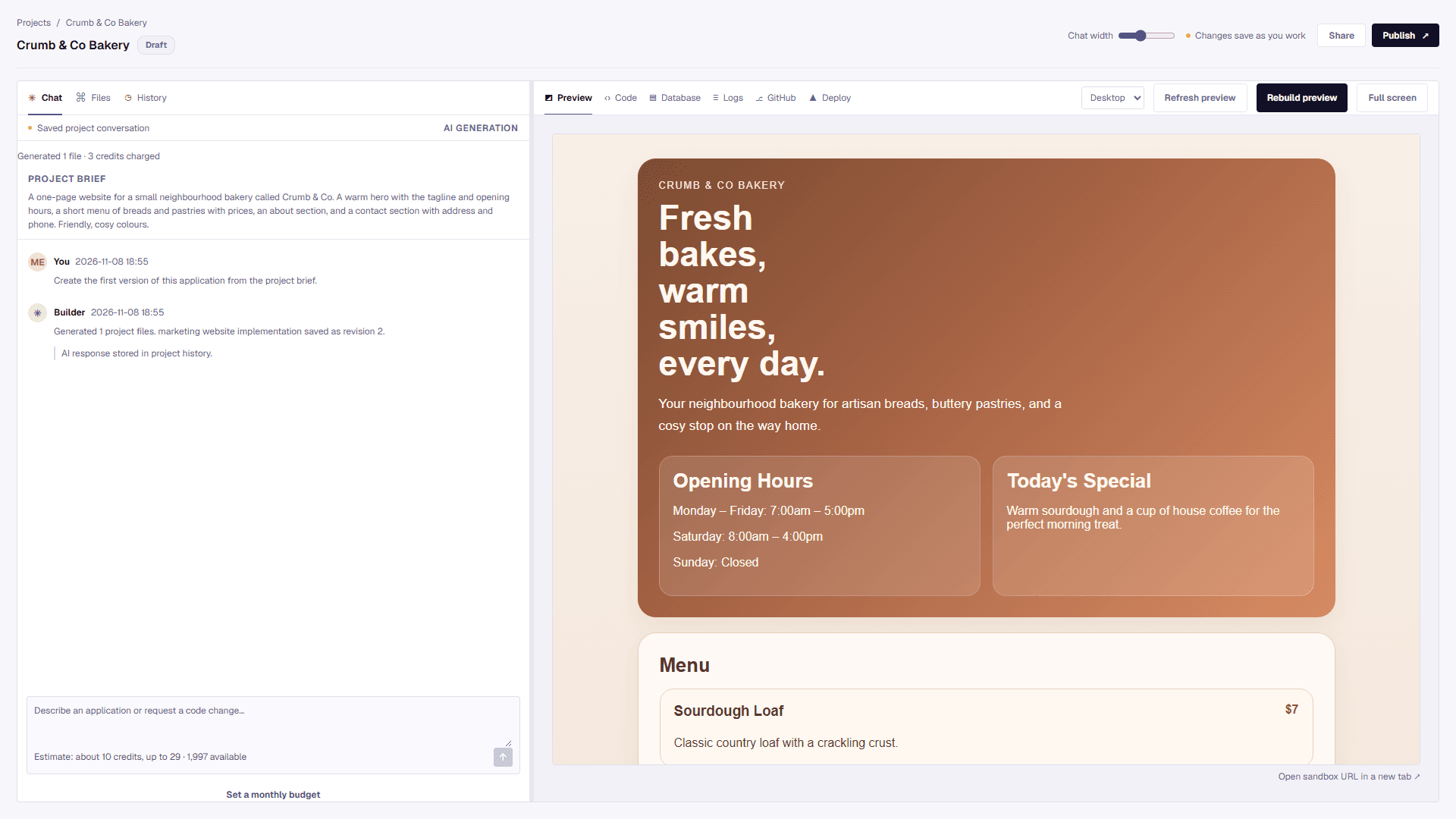
Step 03
Watch it appear, then change it
The code is written and a live preview opens at once. Refine it by chatting, by editing the code, or by applying a Skill that carries your standards.
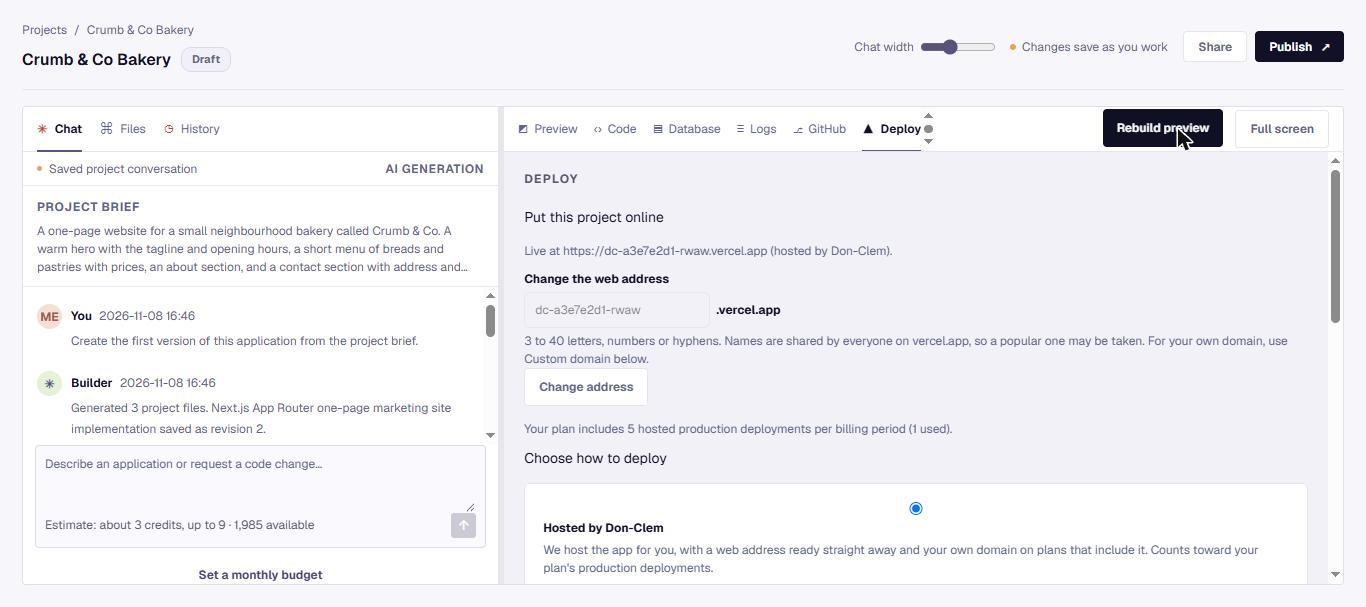
Step 04
Go live your way
Host with us, deploy to your own Vercel account, or push to GitHub. Choose your web address and connect your own domain.
Not a black box
Built so you can see, steer and own what you make
Read the plan first
Three agents plan every build and you see their work.
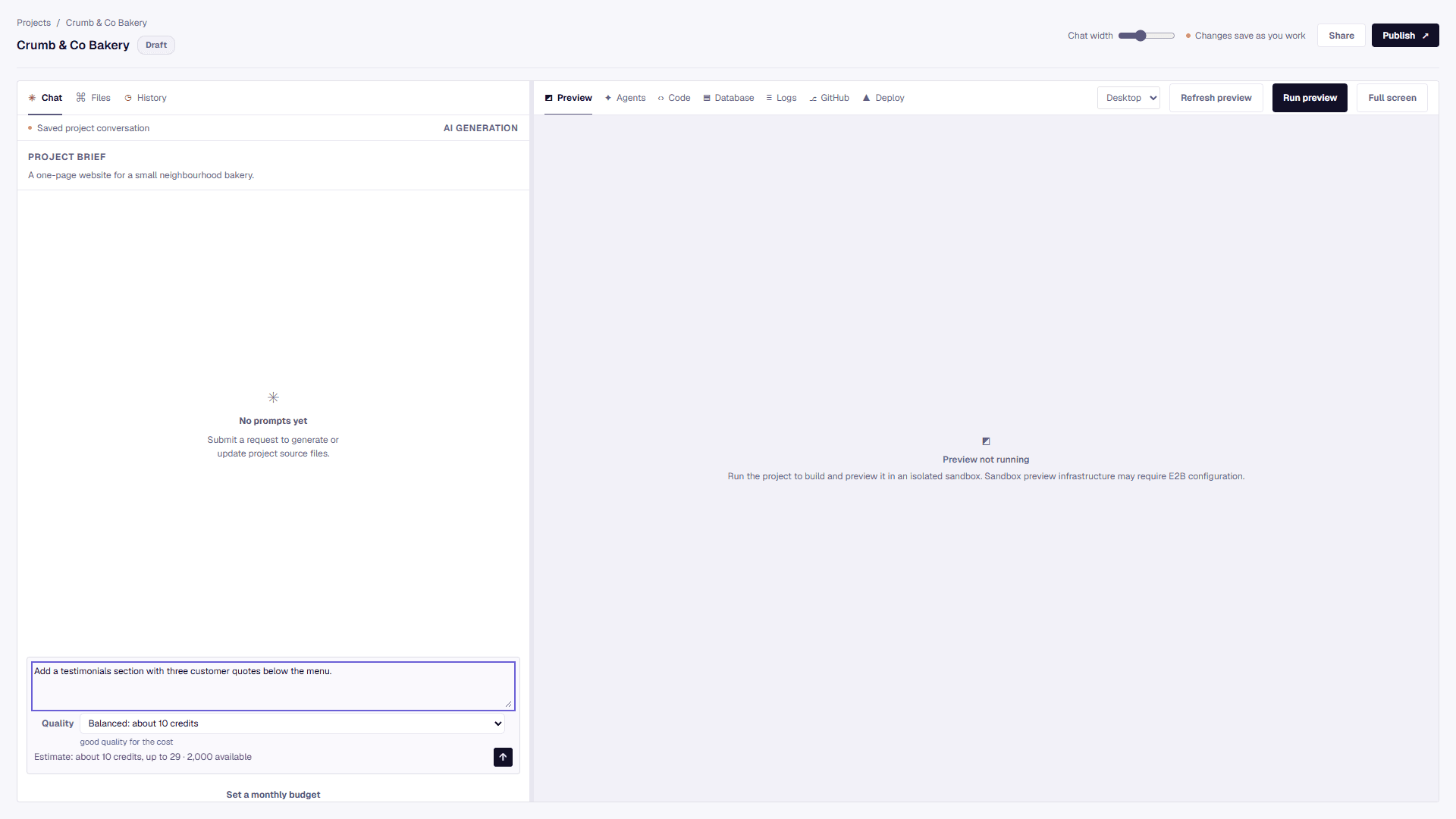
Pick the quality, see the cost
Fast, Balanced or Advanced, each with its credit estimate before you send.
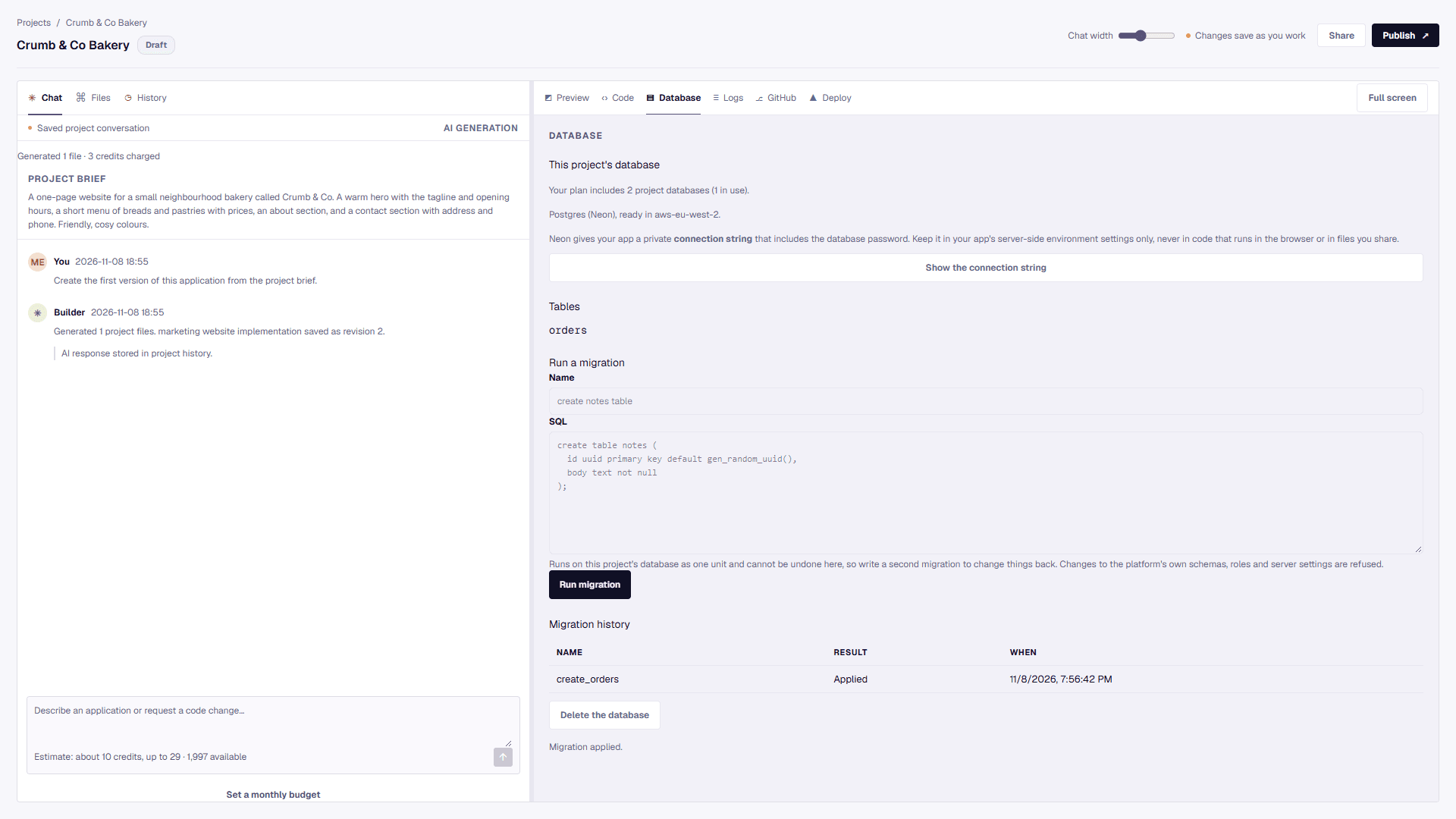
A database for each project
Create one, run migrations and see your tables.
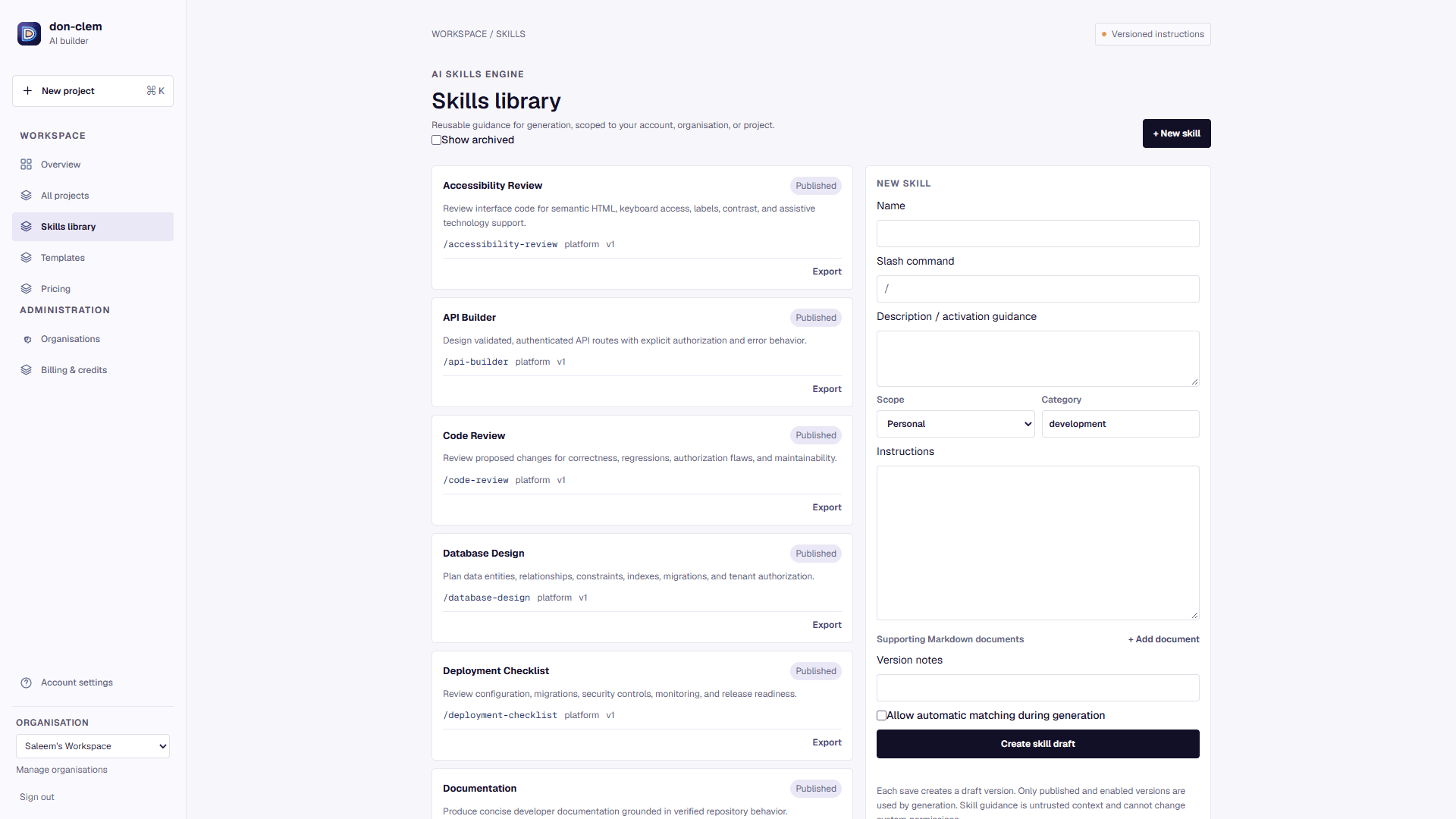
Skills that carry your standards
Twelve ready-made Skills, plus your own, applied with a slash.
Launch on your own address
Host with us or on your Vercel account, and choose the web address.
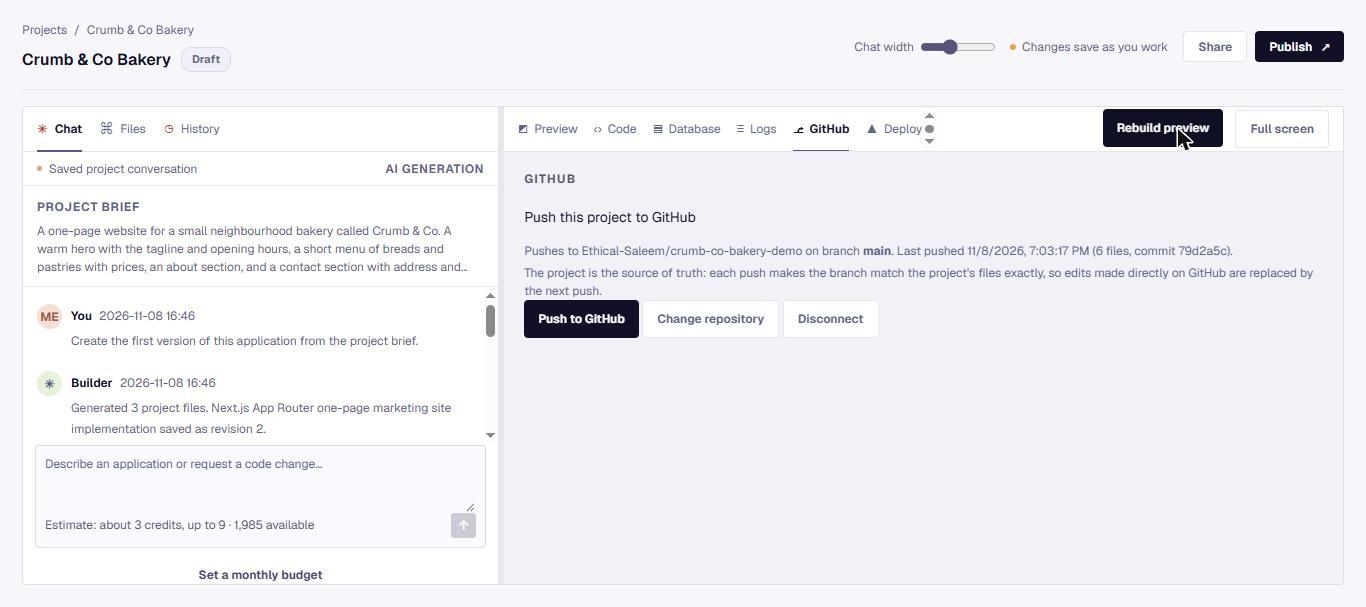
Your code stays yours
Create a GitHub repository from the builder and push to it in one click.
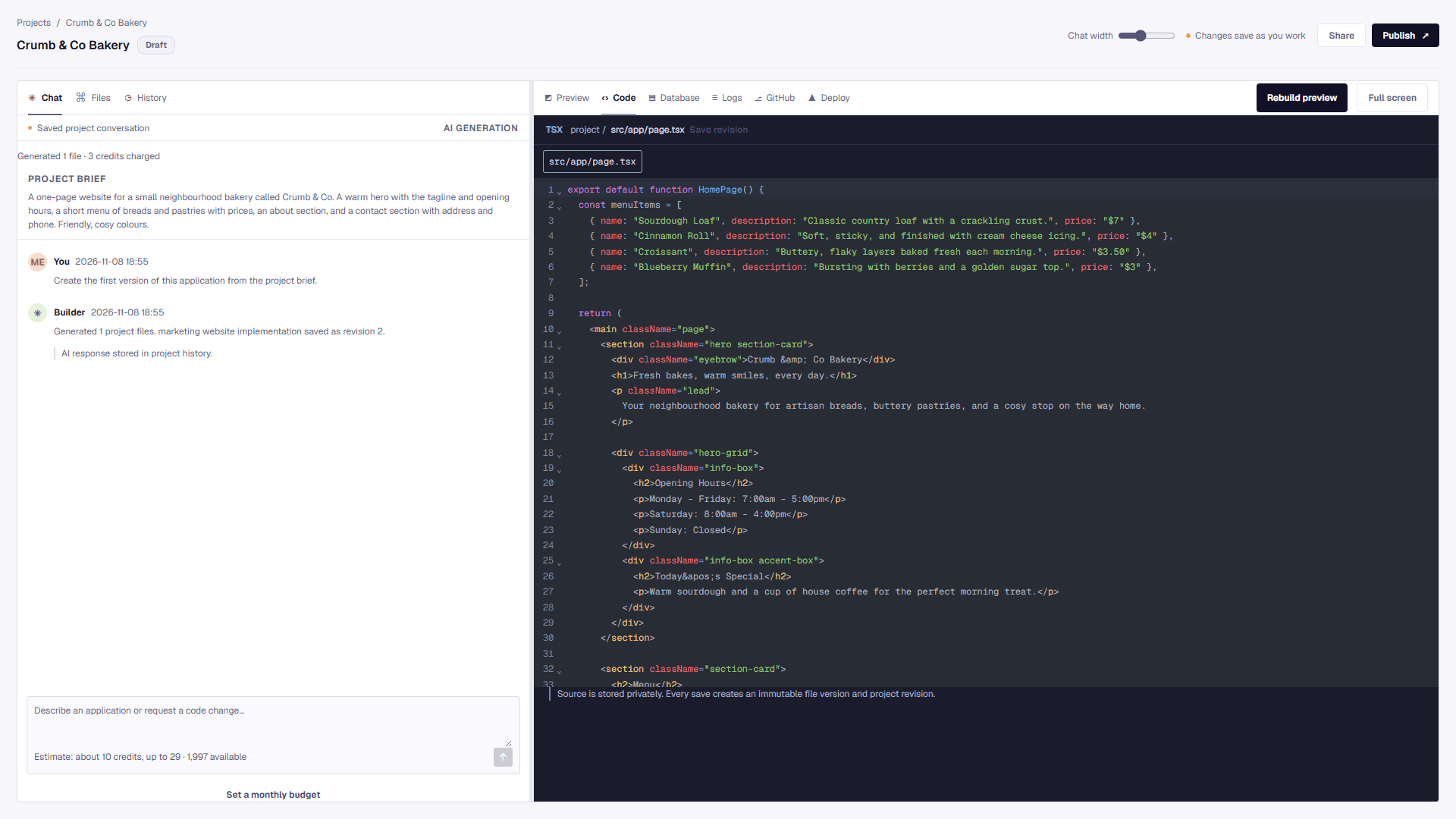
Read and edit every file
Open the code, edit it with highlighting and search, and every save is a version you can return to.
- 3specialist agents plan every build
- 12ready-made Skills in the library
- 3ways to go live: our hosting, your Vercel, or GitHub
- ~10 sto create a project database in our tests
Counted and measured on the product as it is today, not projected.
Made with Don-Clem
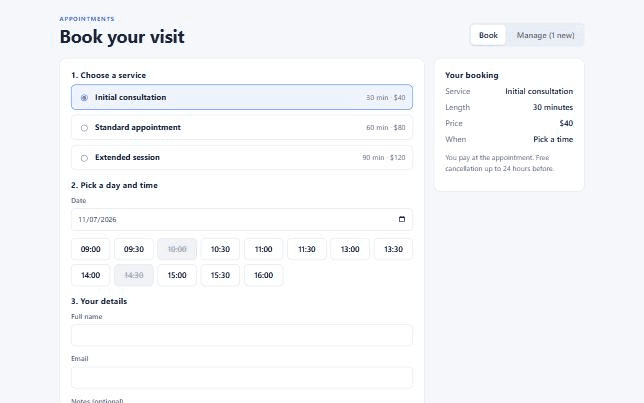
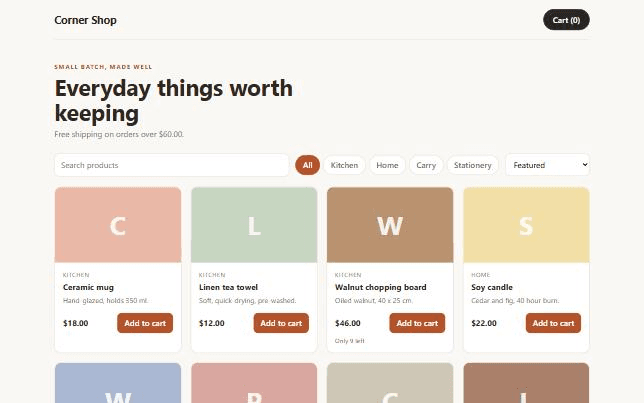
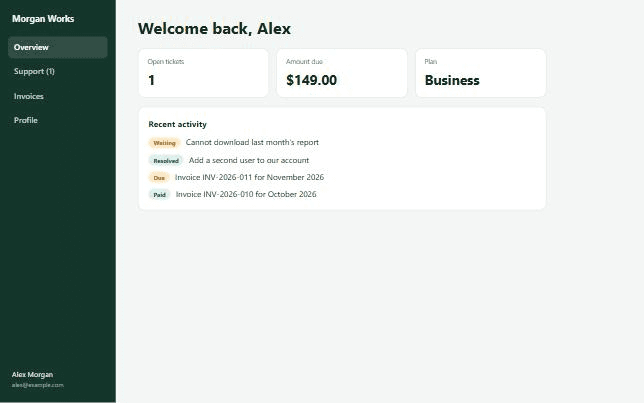
Real apps, built and checked
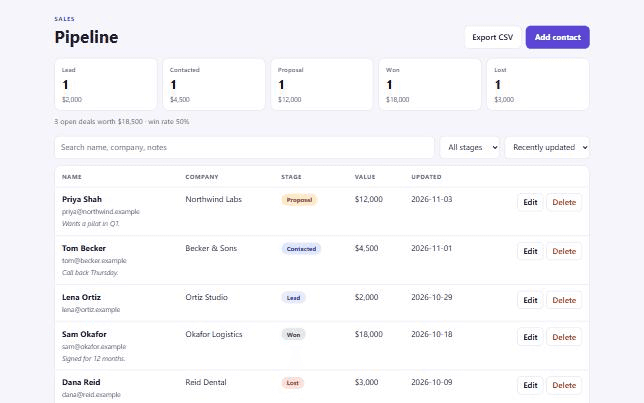
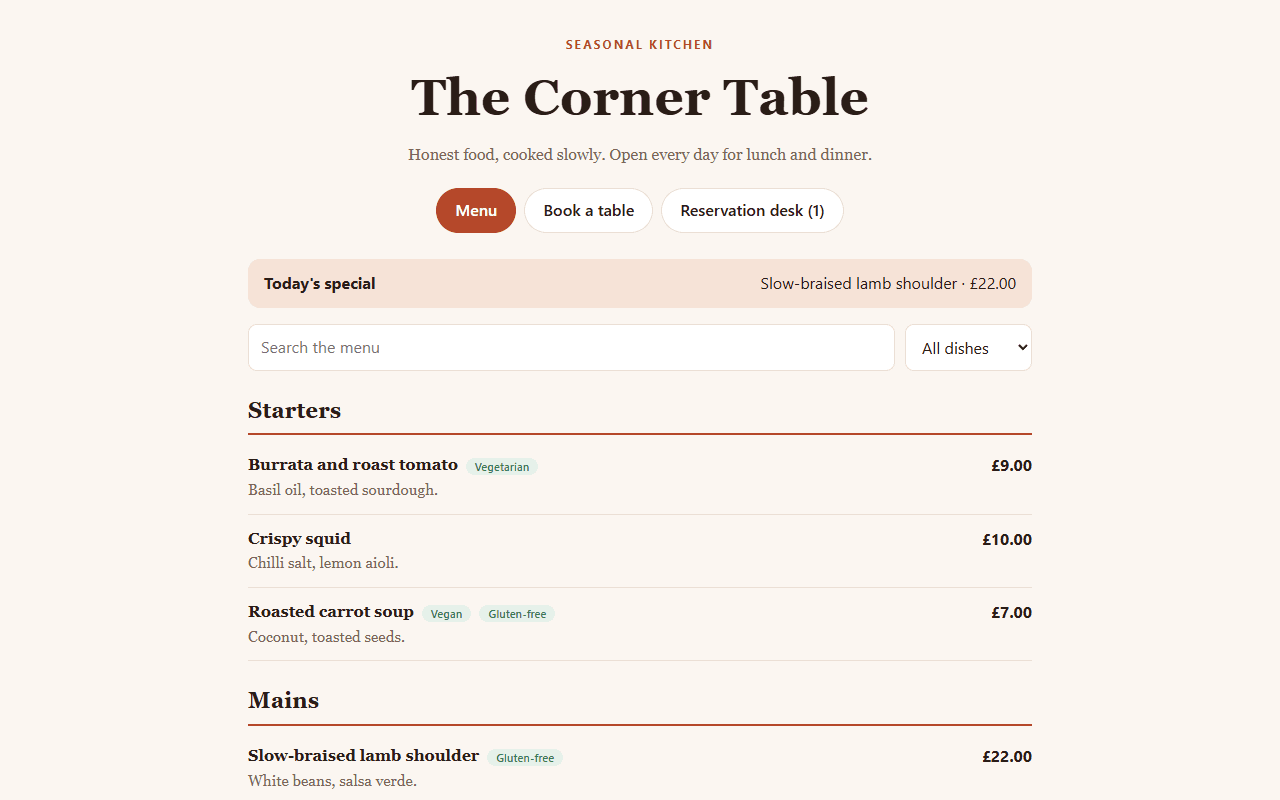
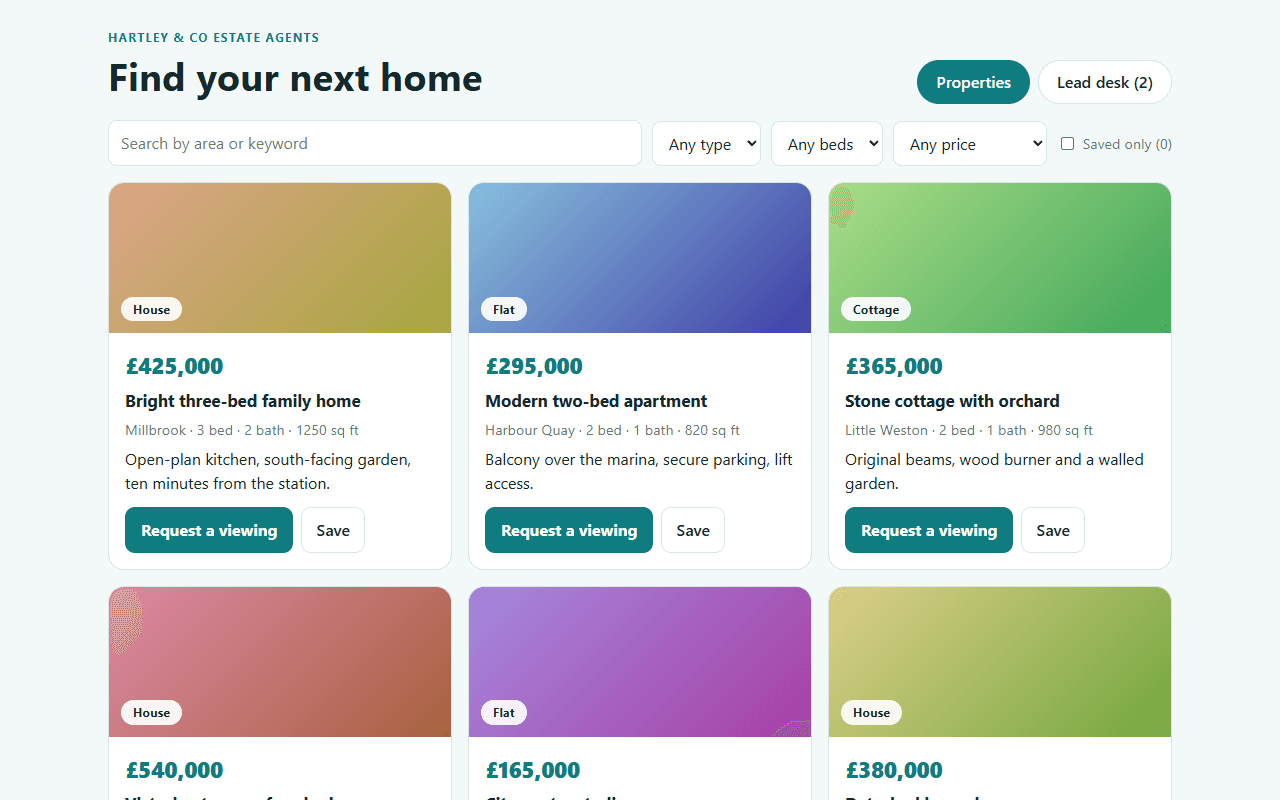
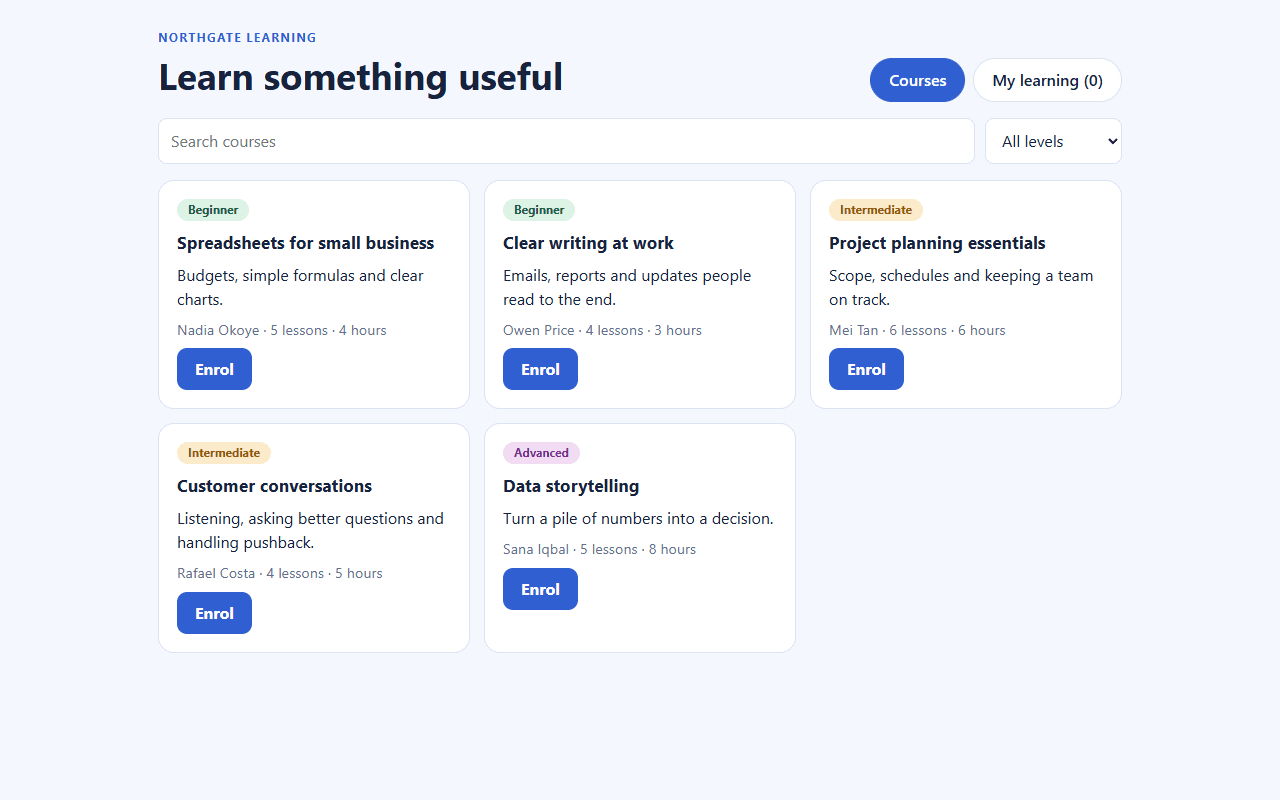
Each of these was built and tested by our own team. Start from one, or from a blank page.
Early access
The first success stories are still to be written.
We would rather show you real results than invented ones. Build something with Don-Clem and tell us how it goes, and we will feature it, with your say on every word.
“Your story could be here.”
Who it is for
Made for the people who need software, not setup
Build your first app this week
Free to start. Upgrade when you need more credits or a team.